✨ New Release: Drag drafts into the calendar
New Feature
You can now schedule posts directly from your drafts using the calendar view!
This update allows you to access your saved drafts and place them on your desired schedule without leaving the calendar.
🗓️ How to use:
- Click "Show Drafts" on the top right of your calendar
- Browse your saved drafts
- Simply drag and drop any post onto your desired date
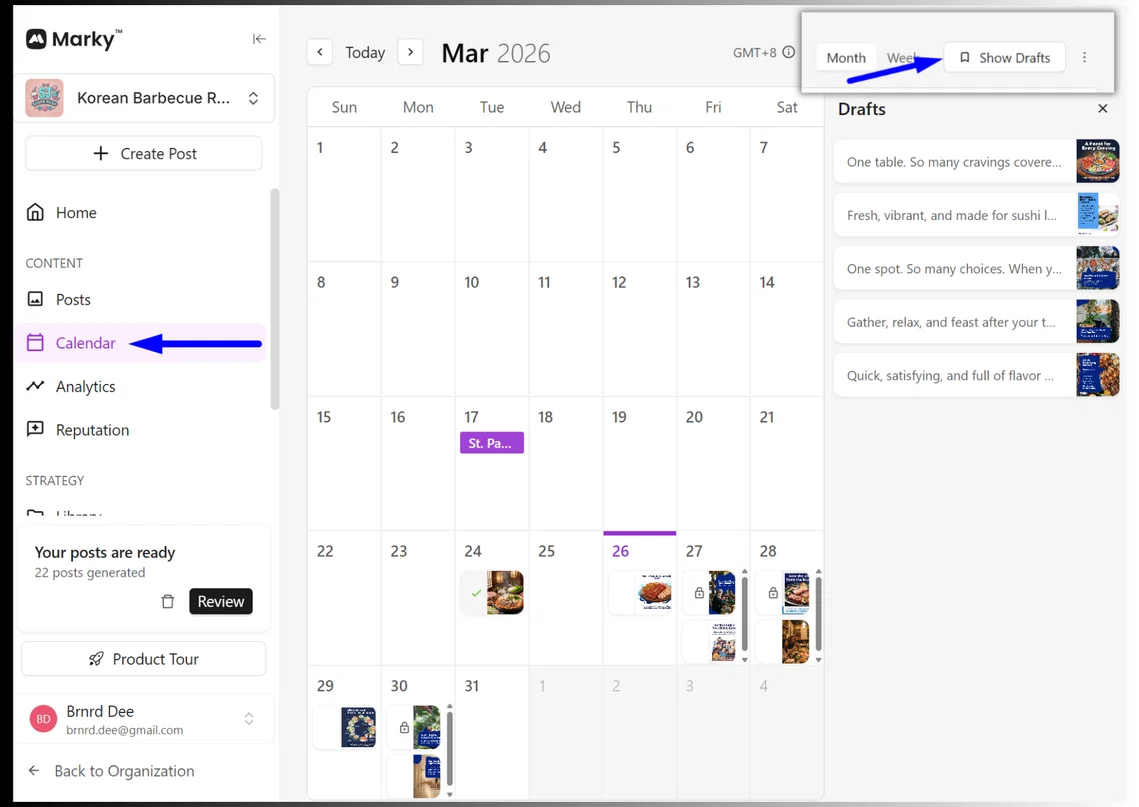
This should help make it easier to organize and plan your content for the month.
Stay tuned for more updates,
The Marky Team