NEW FEATURES: Search + Shortcut Updates 🔍
Hey Markyteers,
We know how it feels—you’re looking for something in Marky but end up clicking through tab after tab. That stops today! 🙌
The Search Update is here to make it much easier to find what you need. Whether it’s a post, a page, or one of your businesses, you can now get there in just a few seconds. ⚡
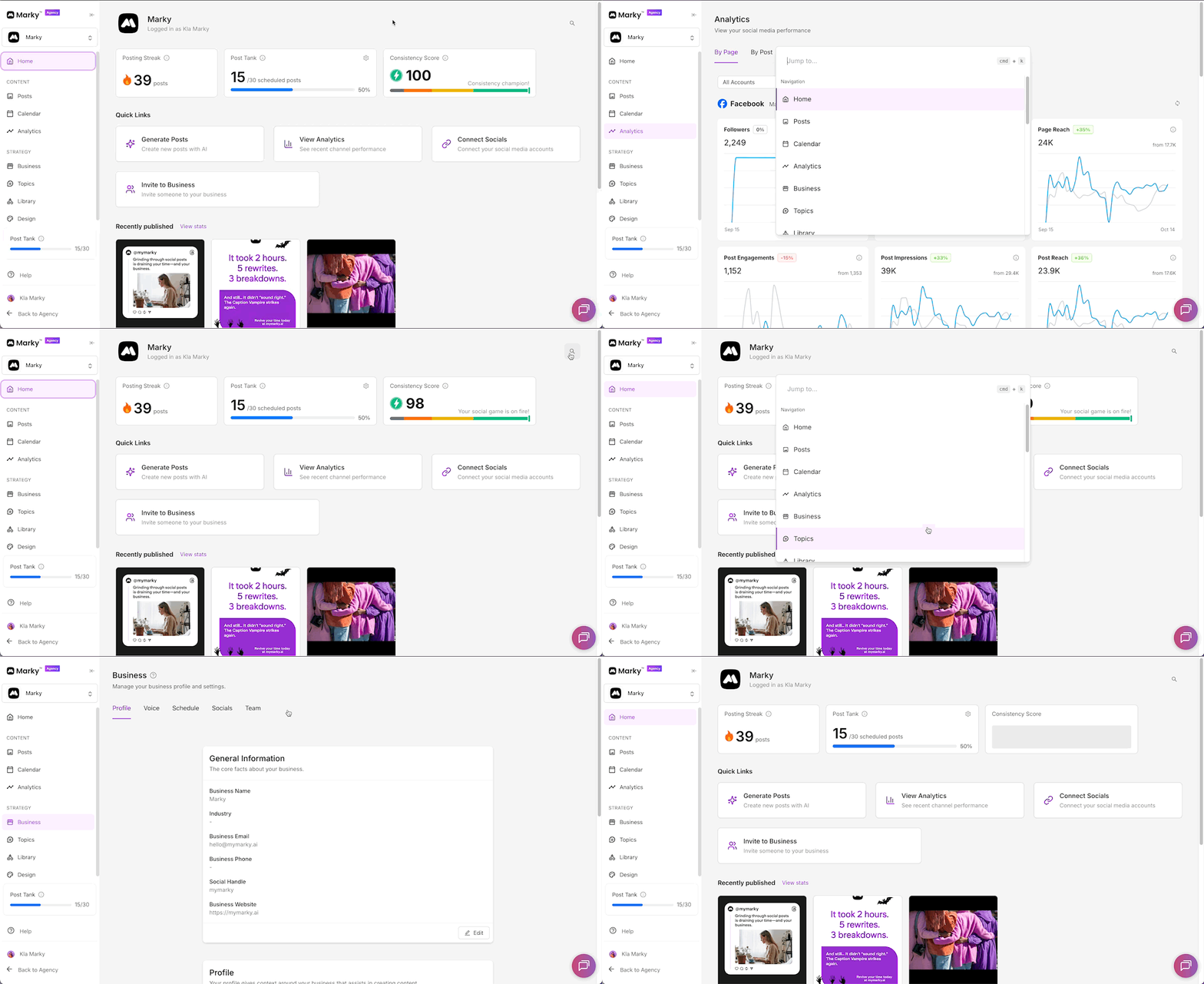
Here’s what’s new:
🔍 Search anywhere – Just type what you’re looking for and Marky will take you there.
⚡ Shortcut key (Command + K) – Use this to jump to any page fast.
🏢 Quick business search – Easily switch between the accounts you manage.
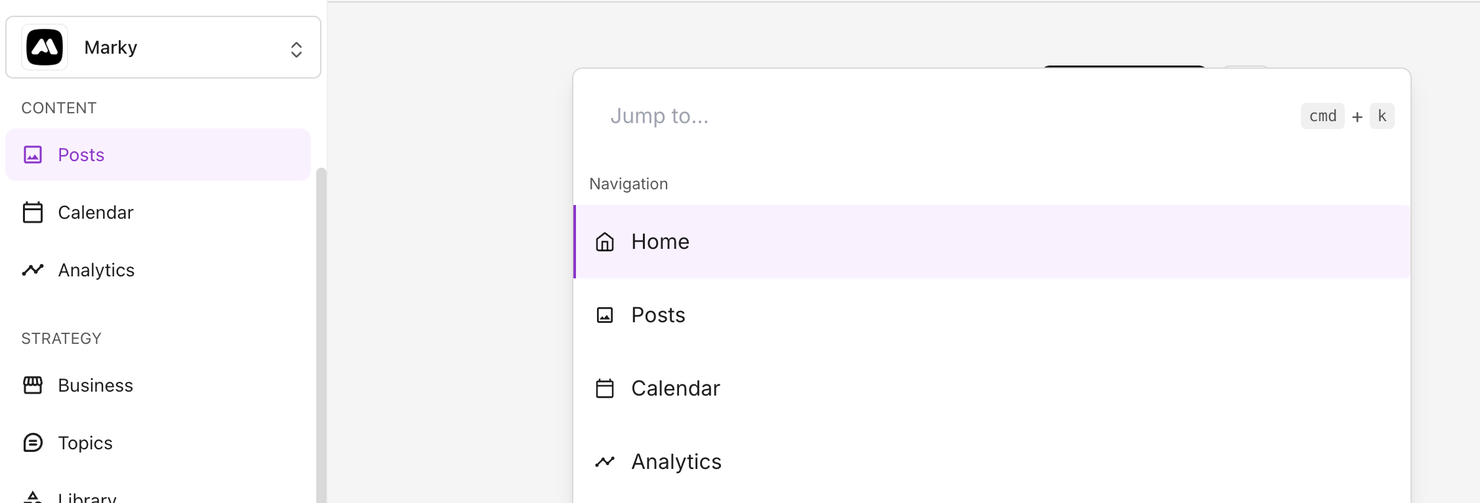
How to use the new Search:
1️⃣ Press Command + K (on Mac) or Control + K (on Windows).
2️⃣ Type what you want to open—like “Posts” or “Analytics.”
3️⃣ Hit Enter to go straight to it.
✨ Pro tip: If you handle more than one business, type its name in the search bar—it’s the fastest way to move between accounts!
No more endless clicking. Now you can find everything in Marky quickly and easily. 💪 Learn more about the new search and shortcuts update here:
Try it today and see how fast your workflow becomes! 🔎⚡